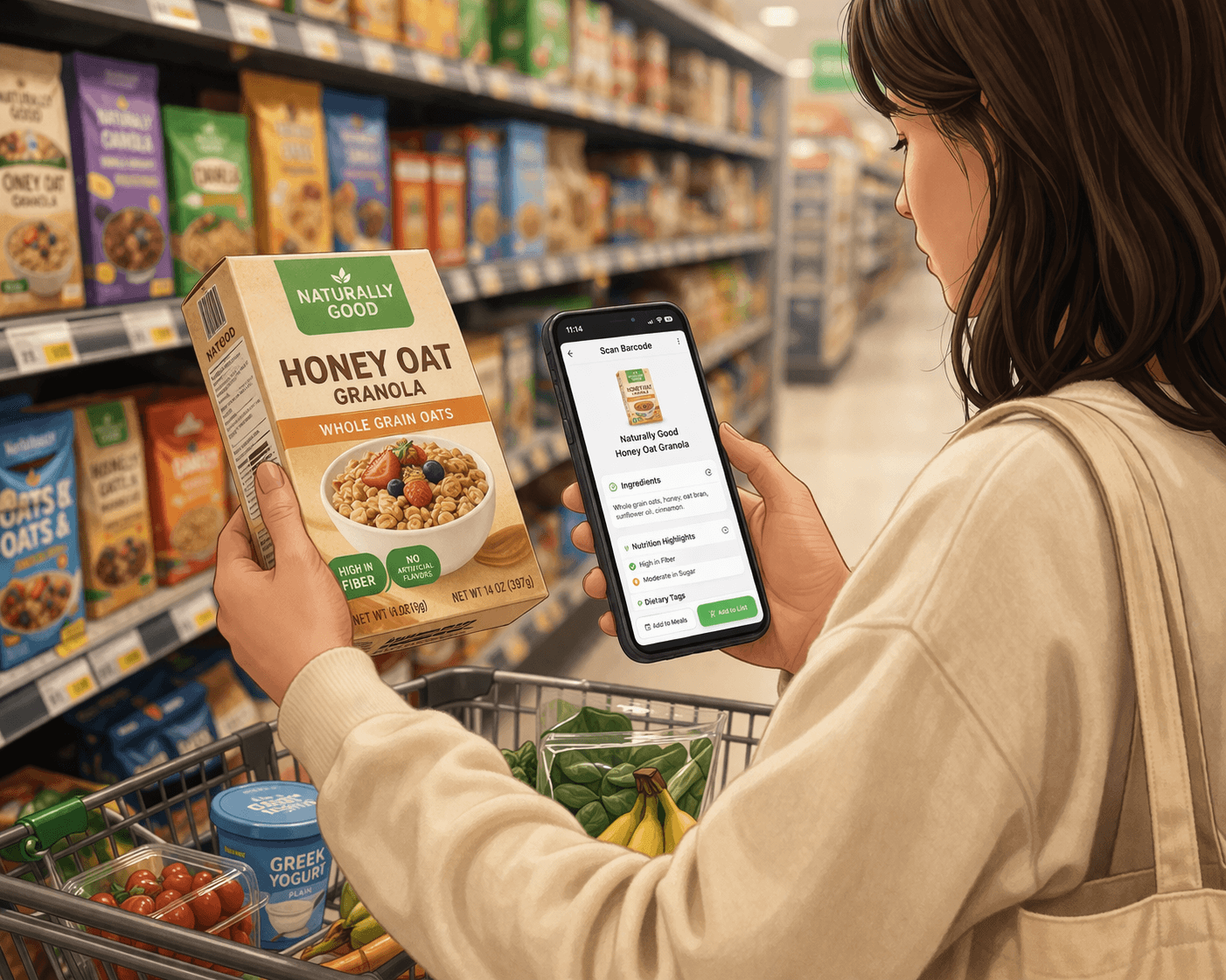
How to Use Barcode Scanning to Make Faster Grocery Decisions
Barcode scanning can turn a slow label-reading moment into a quick check-and-decide workflow. It is one of the easiest ways to make grocery decisions faster without guessing as much.
Grocery Savvy Team
The Grocery Savvy team shares practical grocery shopping tips and insights to help everyday food decisions feel clearer and easier.
Published March 30, 2026 • 5 min read
Most grocery decisions happen quickly.
You are standing in the aisle, comparing a few options, and trying to decide without turning the trip into a full research session.
Sometimes that is easy. You recognize the product and move on.
Other times, you stop and wonder:
Is this actually a good fit for what I am trying to do?
That is where things slow down. You could read the label, scan the ingredients, and compare the numbers by hand. But in real life, most people do not want to spend that much time on every product.
What Barcode Scanning Actually Helps With
Barcode scanning is useful because it shortens the path between seeing a product and understanding it.
Instead of manually decoding everything on the package, you can:
- scan the product
- pull up the details quickly
- decide whether it is worth a closer look
It is not about analyzing every possible detail. It is about getting enough context, fast.
That is especially helpful when:
- you are trying something new
- the label is not immediately clear
- you want to compare two similar products
- the packaging looks healthier than it probably is
A Simple 10-Second Workflow
The easiest way to use barcode scanning is to treat it like a quick routine.
1. Scan the Product
Point your camera at the barcode and pull up the item.
In Grocery Savvy, that opens the product details faster than manually searching through the store shelf in your head.
If you want the exact steps inside the app, Barcode Scanning covers the feature in more detail.
2. Check What Matters to You
You do not need to review everything.
Focus on the details that matter most for your shopping decisions, such as:
- ingredients
- sodium
- sugar
- dietary tags
This is one reason it helps to already understand how to read food labels, even if you are not reading every label line by line anymore.
3. Compare if You Need To
If you are choosing between two options, scan both.
This is where barcode scanning becomes especially useful. Instead of relying on packaging or guessing based on one front-of-label claim, you can compare the products with more context.
4. Decide and Move On
Once you have enough context, make the call and keep shopping.
That is the real value:
scan → check → compare → decide
When Scanning Helps the Most
You do not need to scan every item in the store.
But there are a few situations where it tends to help a lot.
When You Are Trying a New Product
If you are not familiar with something, scanning gives you a faster read on what you are buying.
When You Are Comparing Similar Items
Two products can look almost identical on the shelf and still be meaningfully different once you look closer.
When You Are Buying Packaged Foods
Packaged foods usually involve more label-reading and more guesswork. Scanning helps shorten that process.
When Something Looks "Healthy"
Front-of-package claims do not always tell the full story.
Barcode scanning helps you move past the marketing and into the actual product details.
Why This Works Better Than Reading Everything Manually
Reading labels is still useful. But it takes time, and grocery shopping usually involves a lot of repeated decisions in a short window.
Barcode scanning helps because it:
- reduces friction
- surfaces useful information quickly
- makes comparisons easier
- cuts down on mental math in the aisle
It is not about knowing everything. It is about seeing what matters faster.
What This Looks Like During a Real Grocery Trip
Imagine you are deciding between two frozen meals.
Instead of:
- picking one randomly
- or standing there reading both labels line by line
You can:
- scan the first
- scan the second
- glance at the differences
Now the choice is based more on what matters to you and less on what the packaging happens to emphasize.
That same workflow works well for:
- snacks
- sauces
- bread
- frozen foods
- packaged pantry items
How Grocery Savvy Fits Into That Workflow
Grocery Savvy is built to make barcode scanning feel like part of the shopping process, not an extra chore.
With barcode scanning, you can:
- pull up product details quickly
- review ingredient and dietary context
- add useful items to your Grocery List
And because it connects naturally with Food Search, you are not stuck with one way of finding products. You can scan when the product is in front of you, search when it is not, and keep building your list as you go.
Final Takeaway
Grocery shopping does not need to feel like a series of guesses.
You do not need to:
- read every label in full
- memorize nutrition rules
- slow down your whole trip for every product
Sometimes you just need a faster way to understand what is in front of you.
Barcode scanning gives you that.
A quick scan, a quick check, and a clearer decision.
Keep Reading
Related Articles
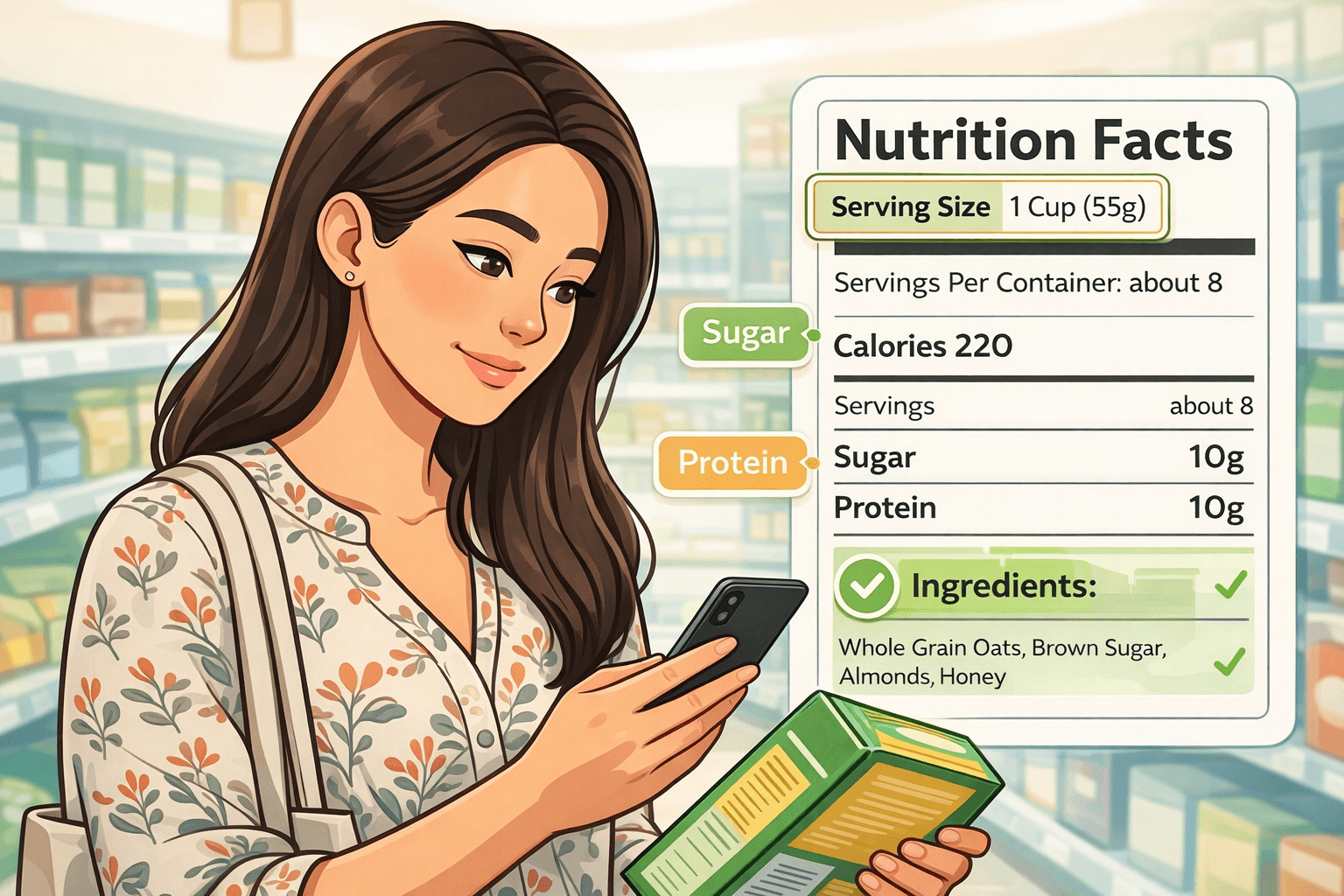
How to Read Nutrition Labels Like a Pro (Even If You Are a Beginner)
Nutrition labels can feel like a wall of numbers when you are new to them. This guide breaks down the parts that matter most so grocery decisions feel more practical.
Read article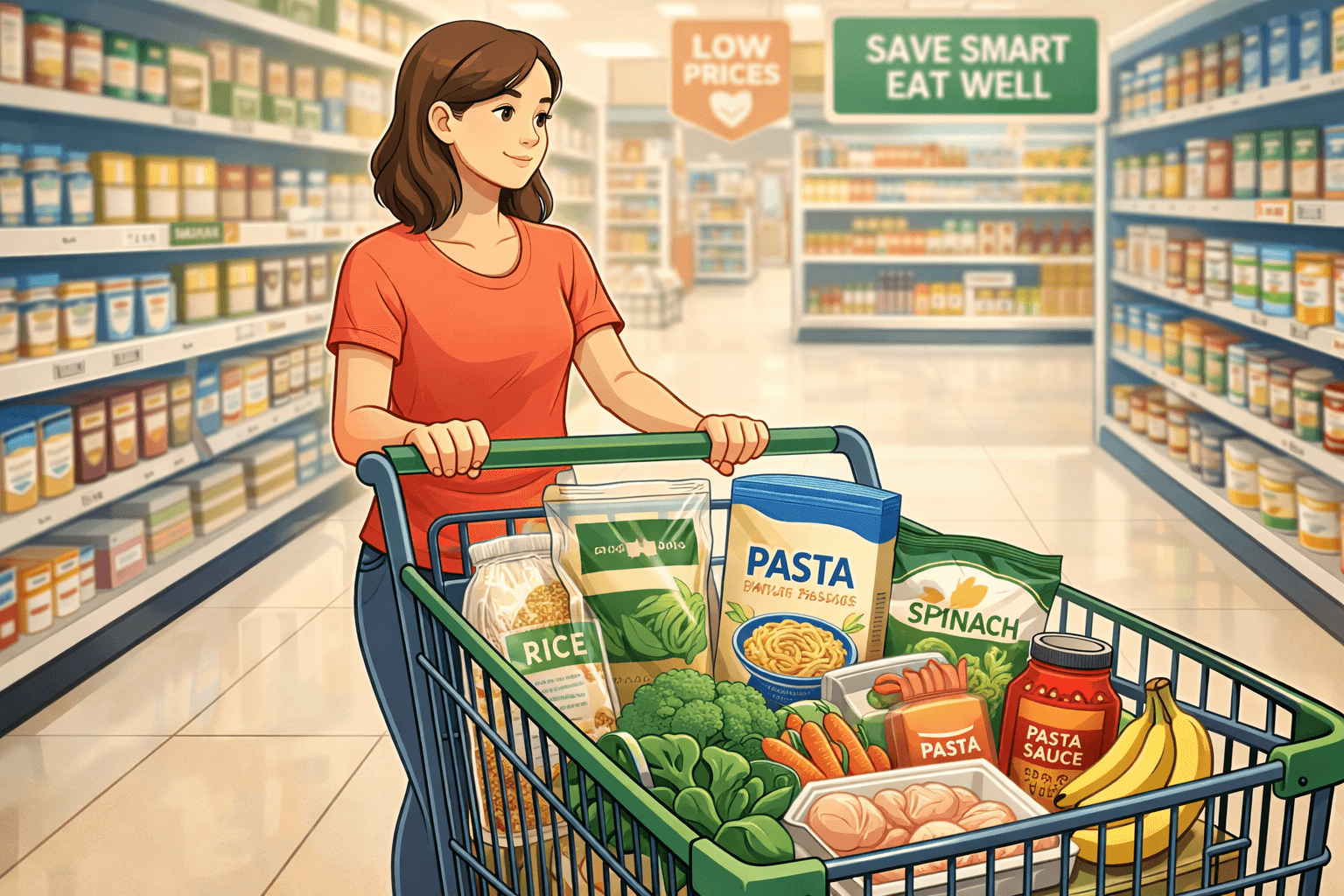
How to Grocery Shop Effectively Without Spending More or Buying Too Much
Effective grocery shopping is less about perfect planning and more about a few simple habits that keep your cart aligned with your real week. These tips help you avoid overbuying, overspending, and feeling overwhelmed in the store.
Read article